Part of Guide to creating services in the NHS e-Referral Service on the Path to Live environments
Accessing the e-RS application
Use this page to gain access to the e-RS web-based application in the PTL environment.
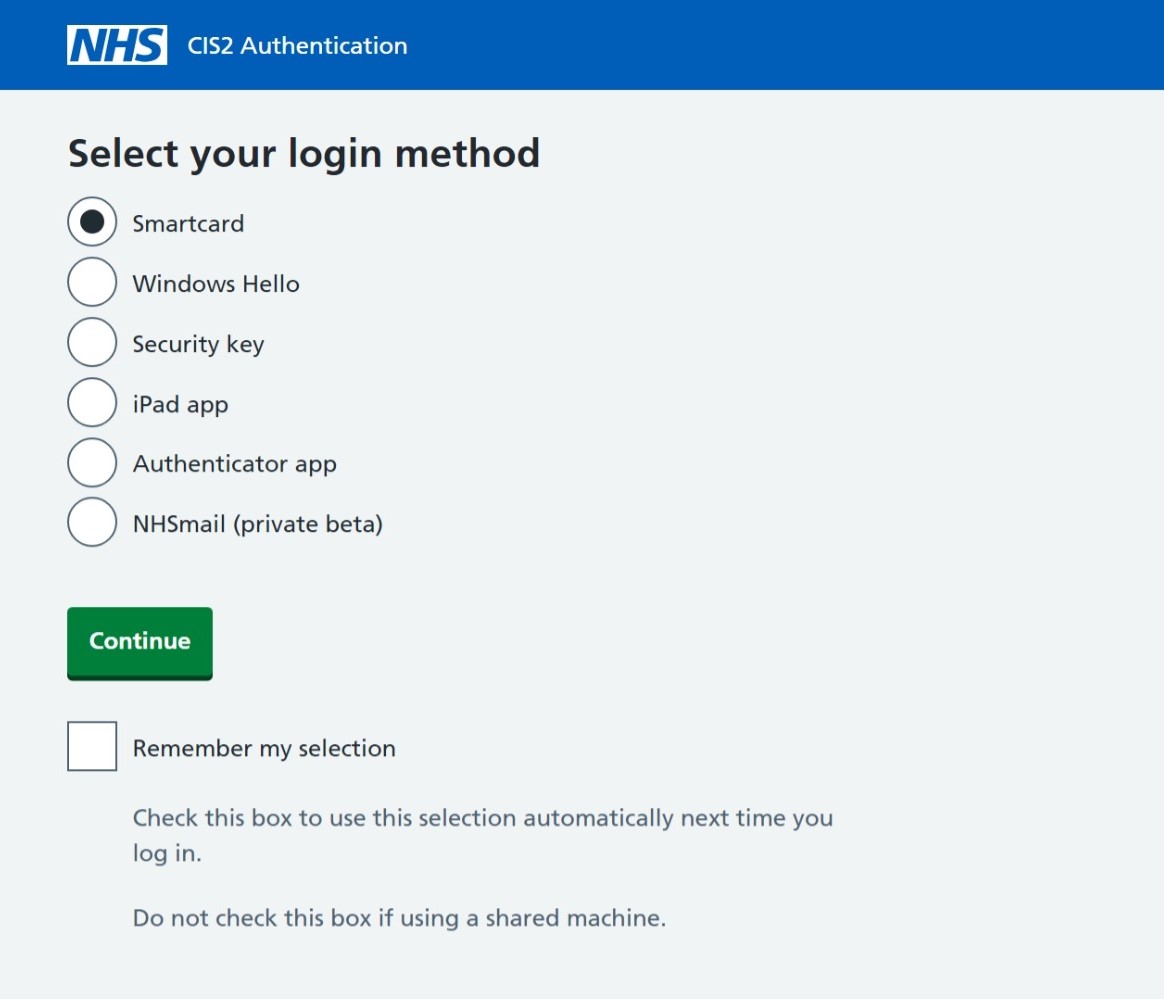
You will be asked to authenticate using one of the accepted CIS2 authenticator options.
Select a method and follow the step-by-step authentication process on screen.
Read this page for detailed login instructions.
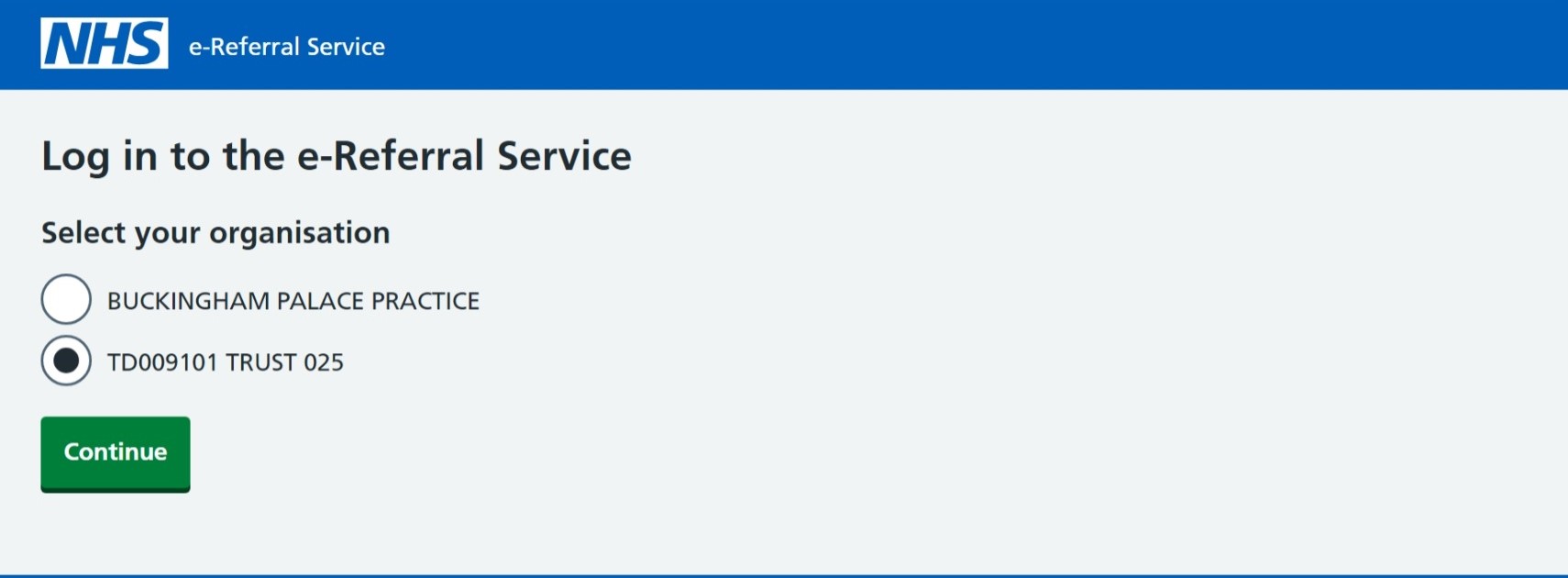
After successfully authenticating with NHS CIS2, you will be required to select your test trust organisation.
This will have been supplied to you either by the test data or e-RS Partners team.
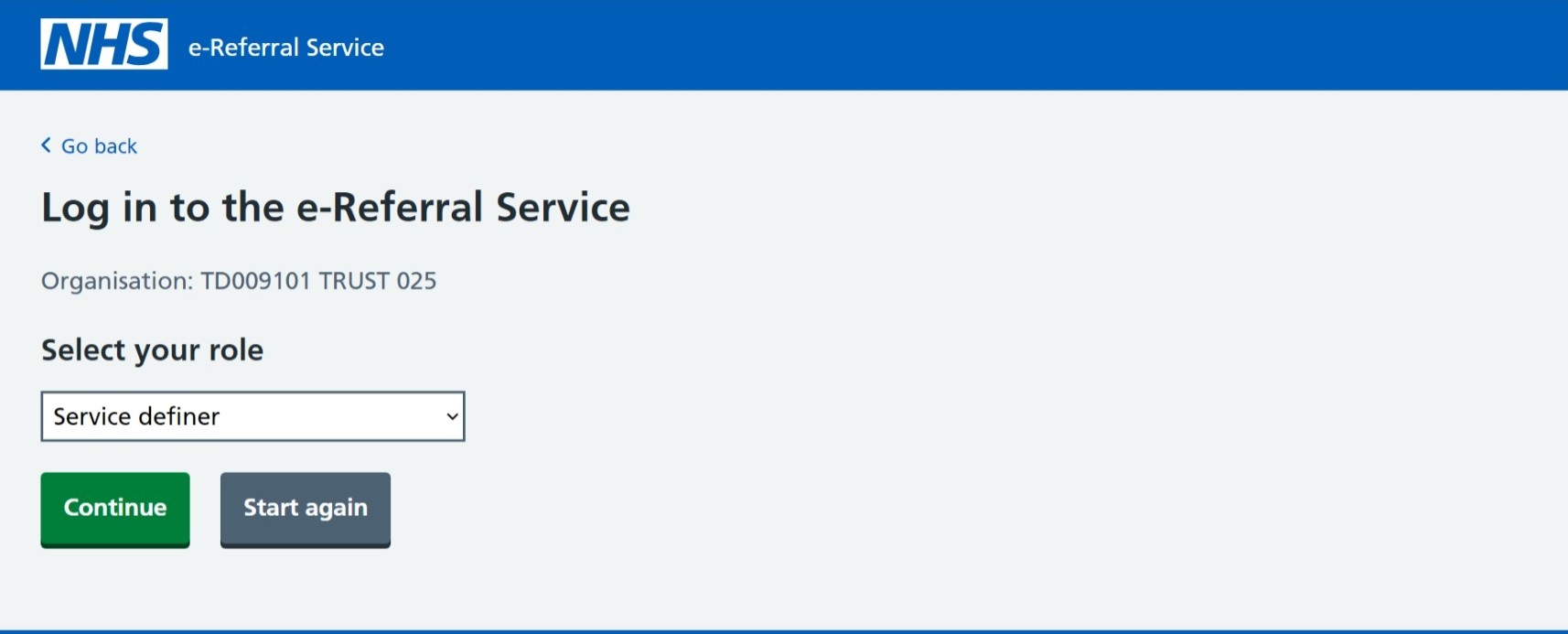
Depending on the authorised user, there may be one or more available roles to choose from.
To start creating services in e-RS you will require the service definer role.
The e-RS application will then load.
Last edited: 24 February 2025 11:14 am