Part of Author FHIR terminology resources
Import your resource as a JSON file
Before you start
You can upload your FHIR resources as JSON files into Snapper to update and upload You will need to be logged in with an author role.
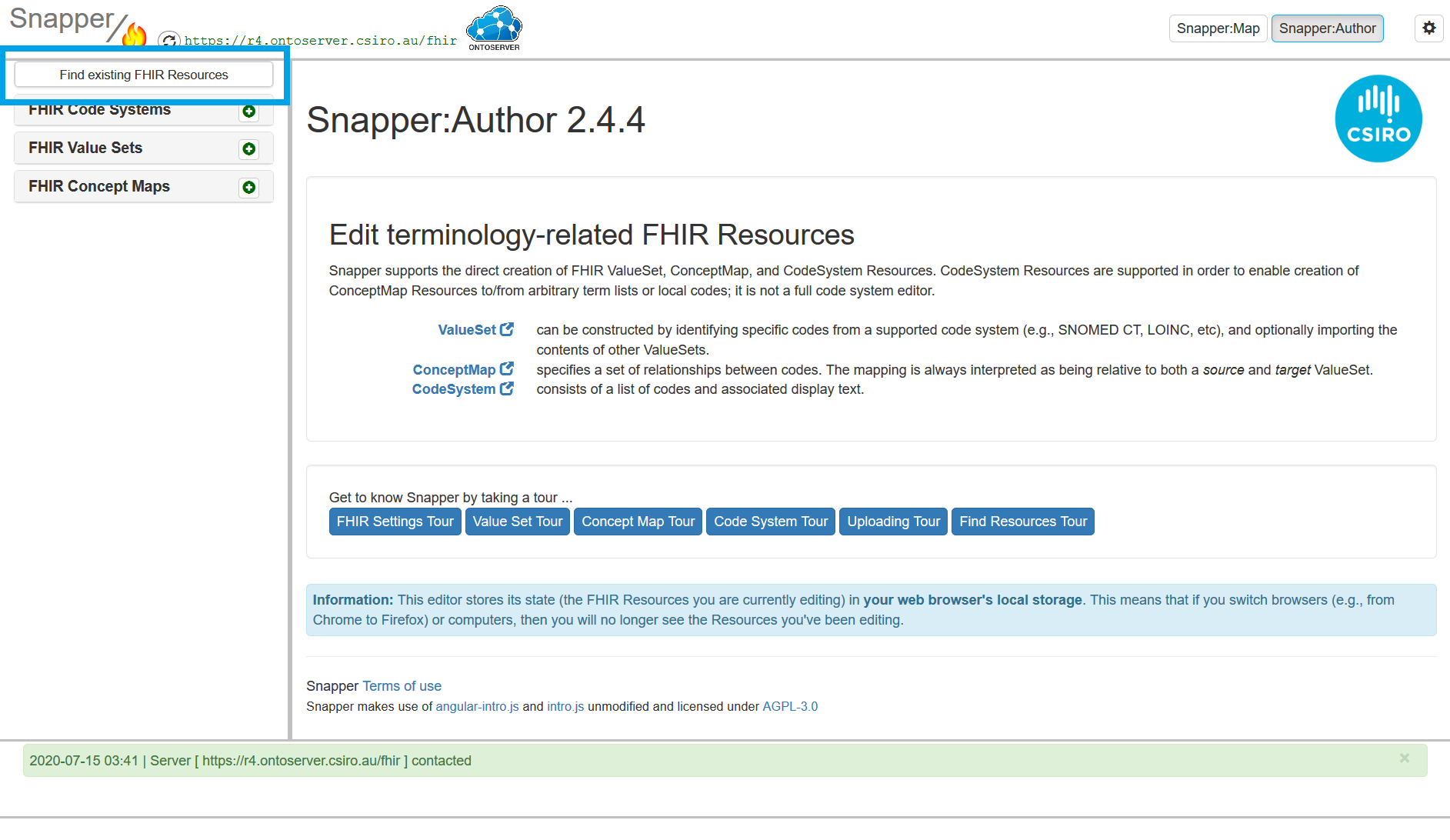
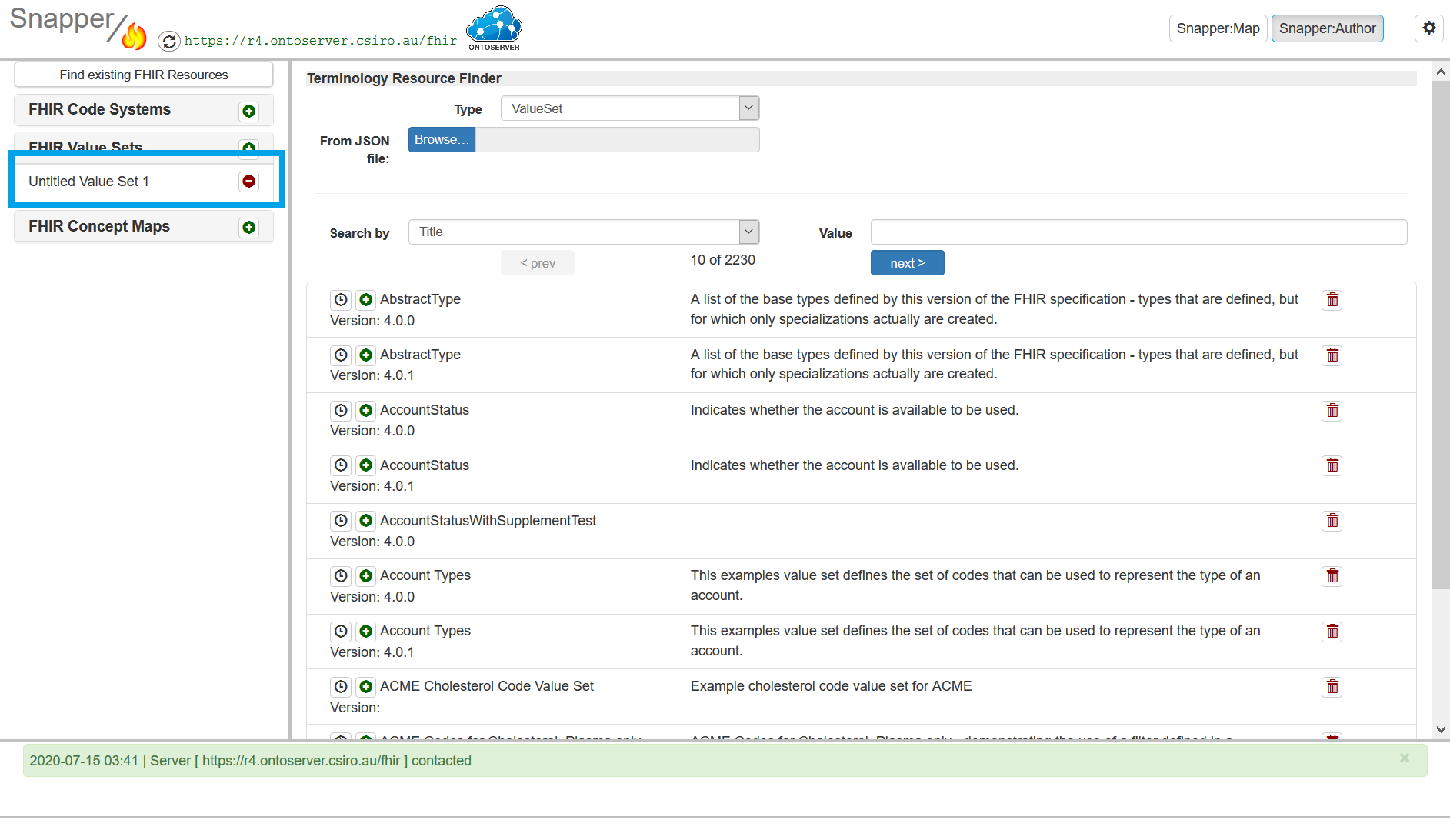
1. From the homepage, click find existing FHIR resources.
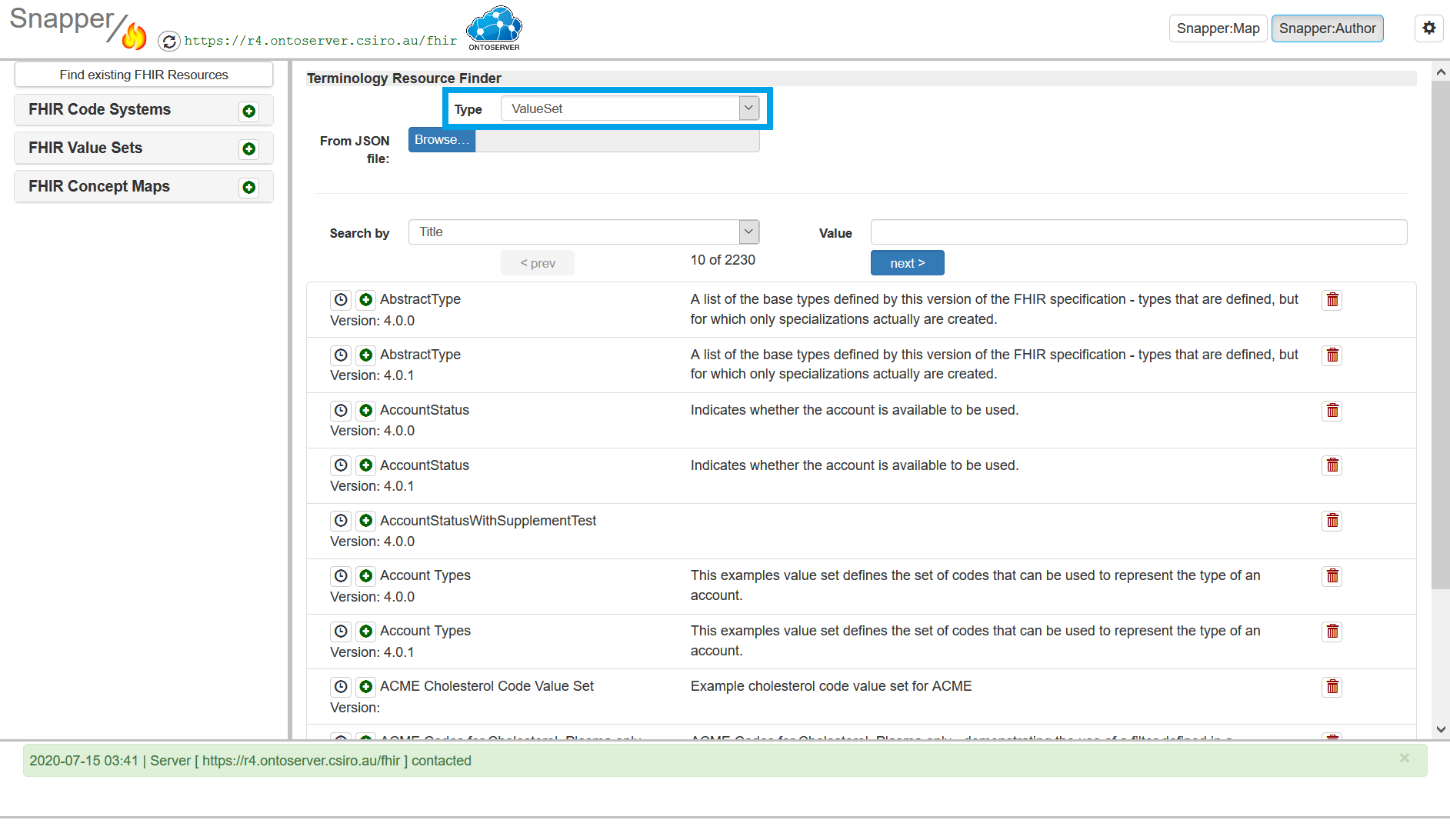
2. Select the type of resource you wish to upload
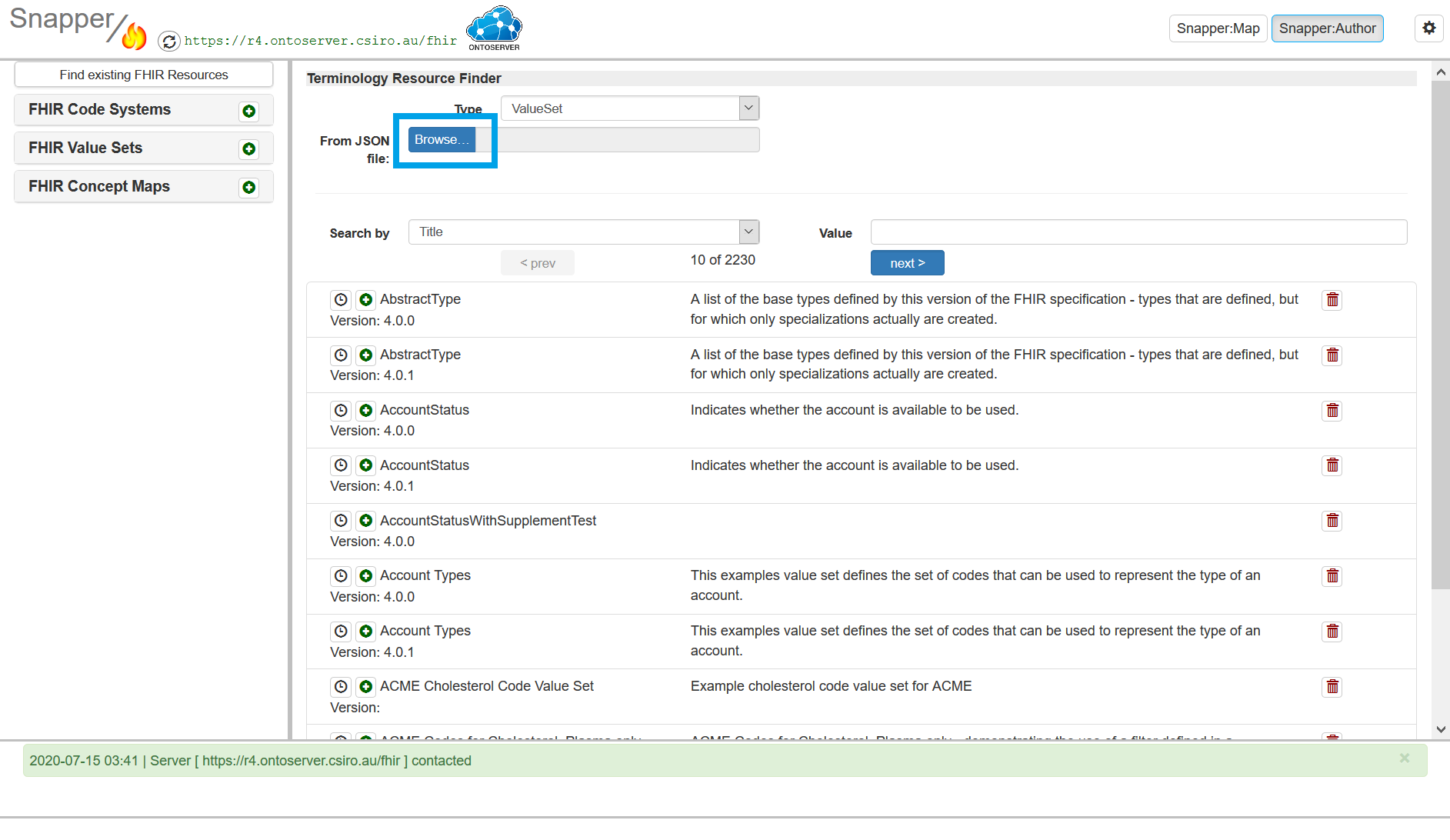
3. Click browse to upload your resources.
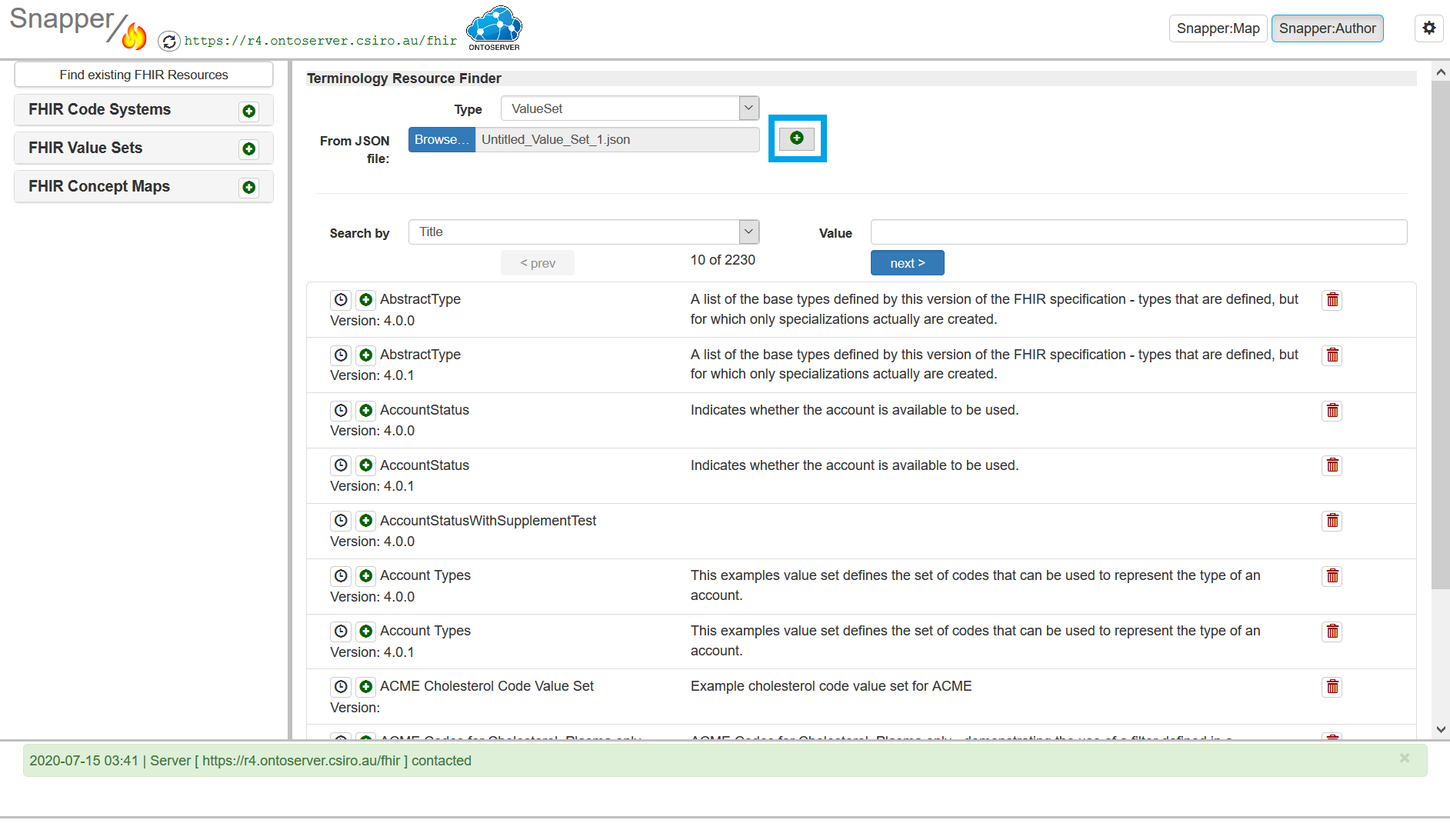
4. Click the plus sign next to the file name so it moves to into your workspace area.
5. Select the file from your workspace area, to open it in the editor. You can then edit it and/or upload it to the terminology server
Last edited: 8 June 2026 11:34 am