Part of Author FHIR terminology resources
Delete a FHIR resource
Before you start
1. From the homepage, click find existing FHIR resources. You will need to be logged in with an author role.
2. Select the type of resources you want to delete.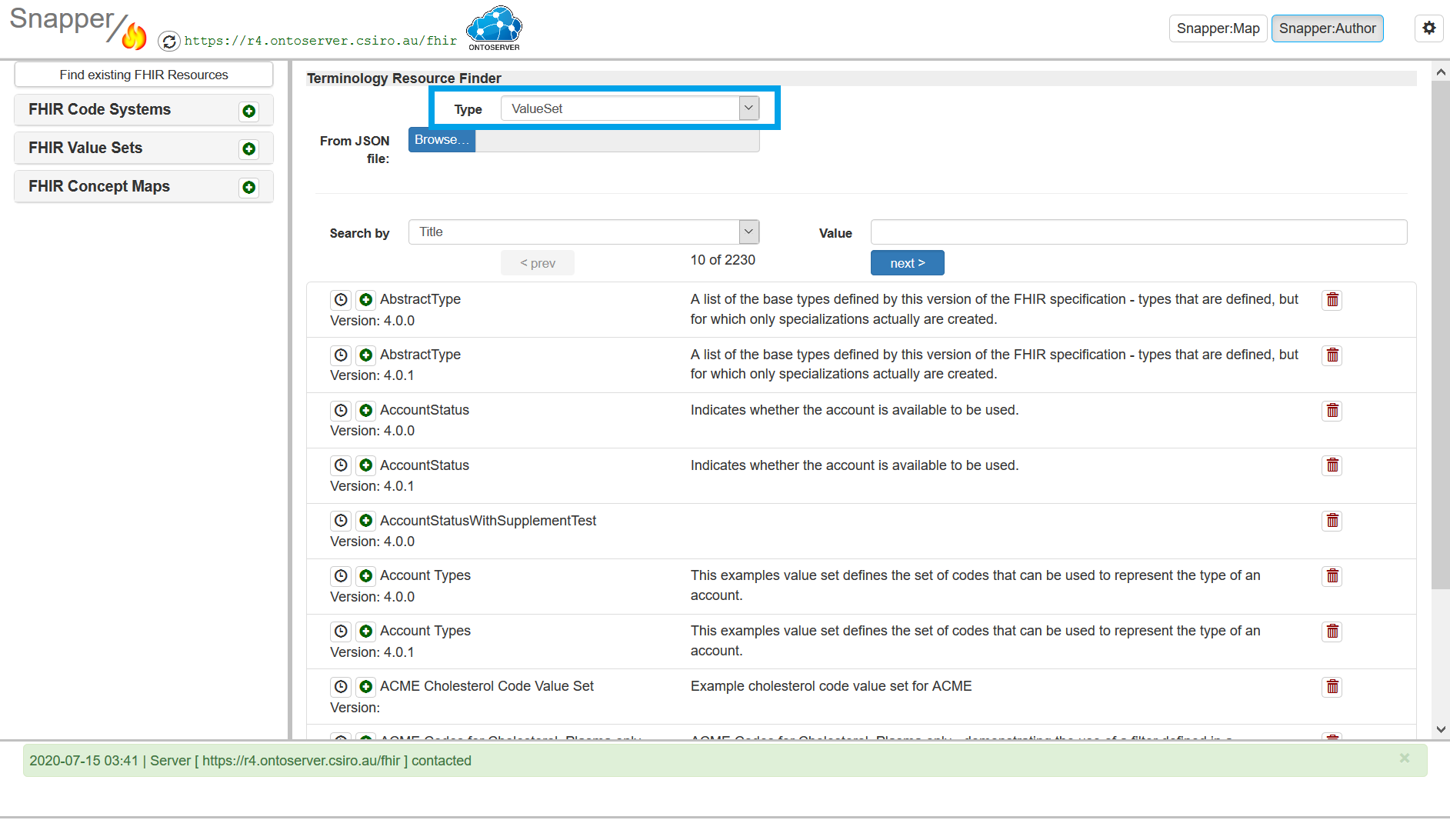
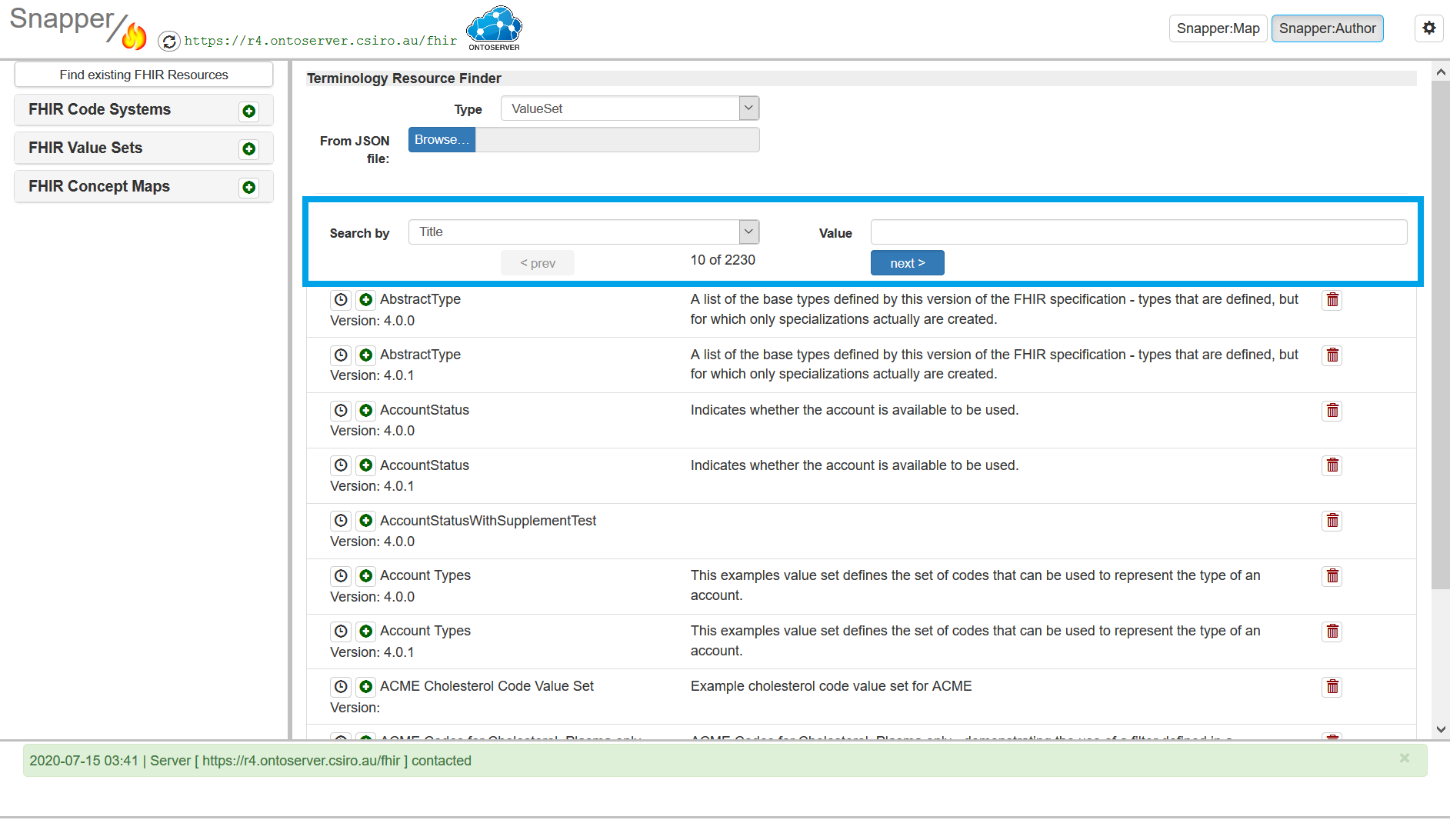
3. Search for the resource you want to delete by using the search bar or browsing the table.
4. Click on the trash can next to the resource that you wish to delete
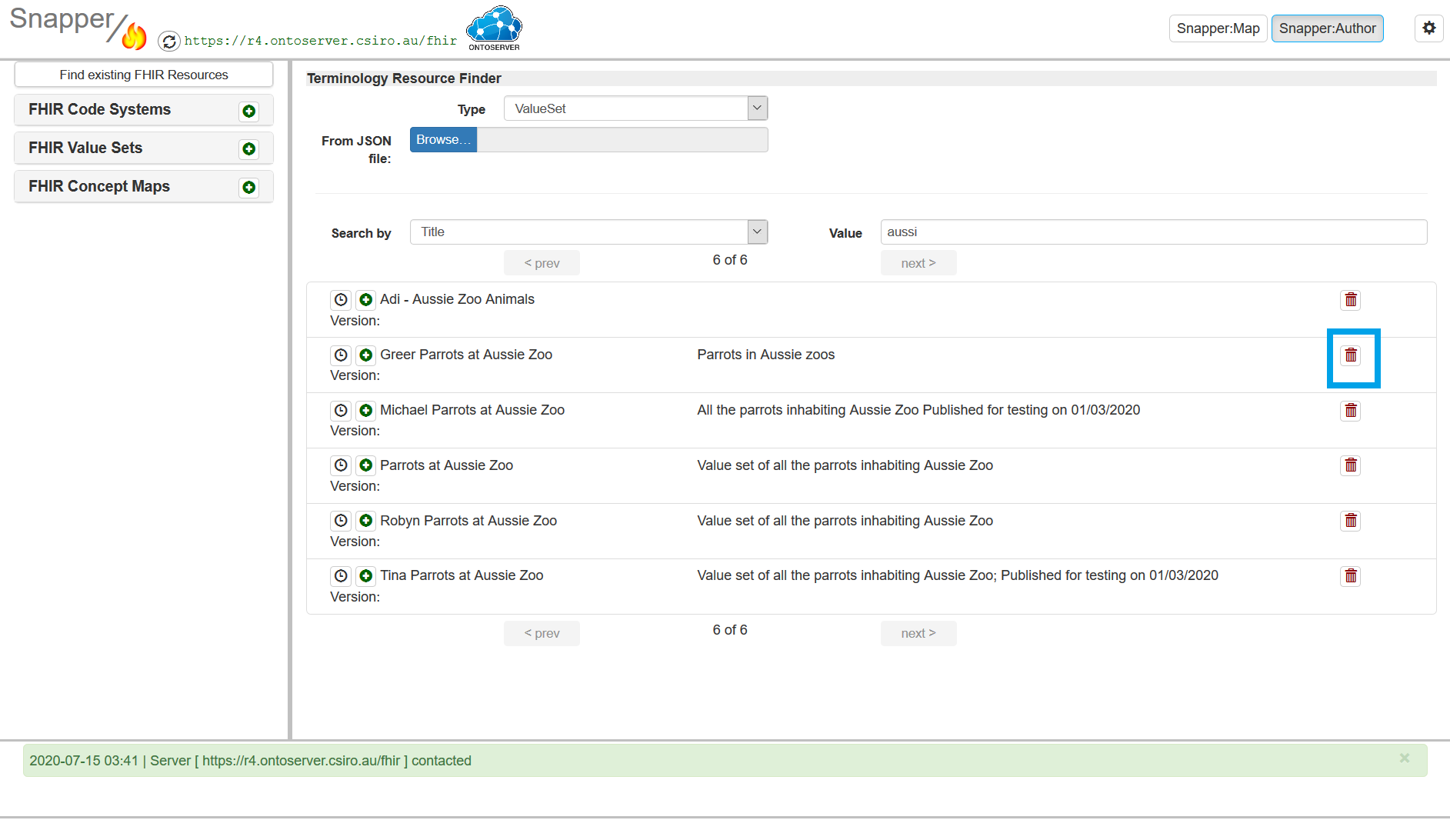
5.Confim that you really want to delete the resource.
Last edited: 8 June 2026 11:36 am