Part of NHS England Secure Data Environment user management guide
Update user roles
You can update a user's role as and when required. Different roles incur costs, as described in our chapter on roles.
To change a user's role:
- Go to the user's details page.
- Click 'Change role'.
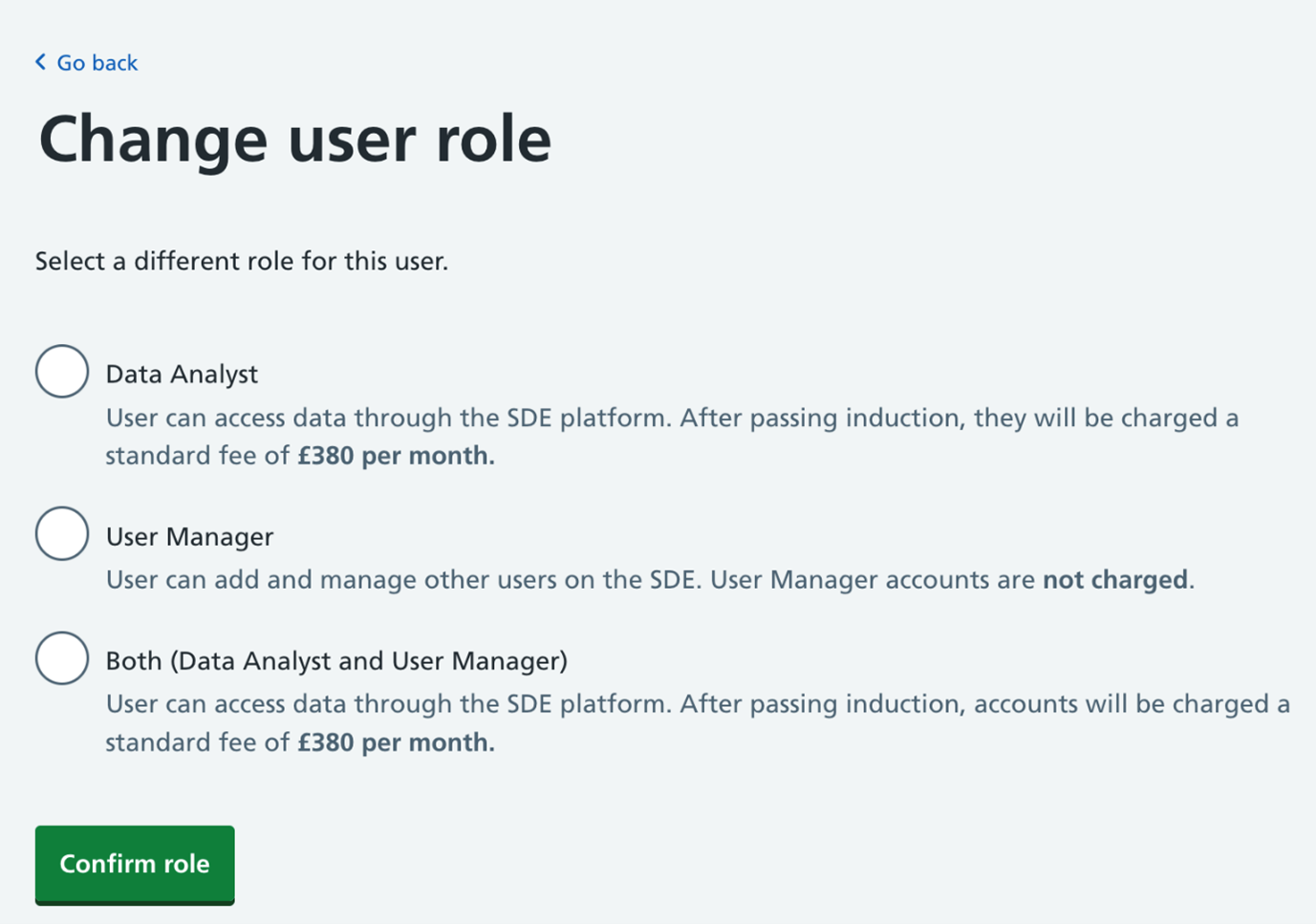
- On the change user role page, you will see an overview of each role and any associated charges. Select the role you would like to assign to the user and click 'Confirm role'.
- The user will receive an email with details of what they can and can’t do on the SDE with their new role.
Last edited: 17 March 2026 3:09 pm