Reports
Create and download a report from a site.
This will create a csv file for you to download from a certain time period. The data will be updated every 24 hours.
1. Click on 'Reports' in the menu at the top of the screen.

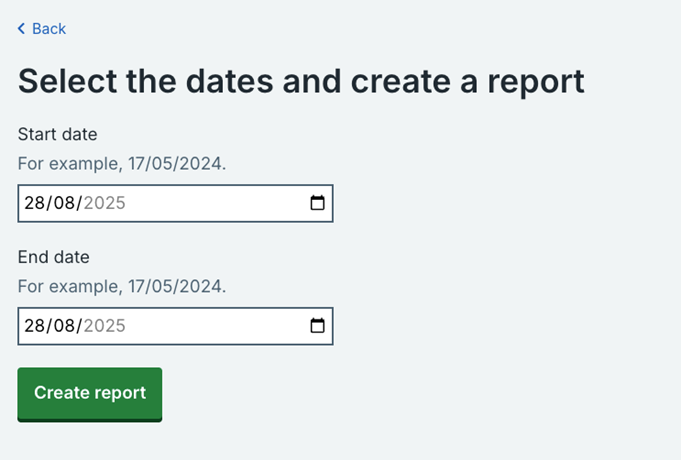
2. Select a time period by adding a start and an end date then click on 'Create report'.
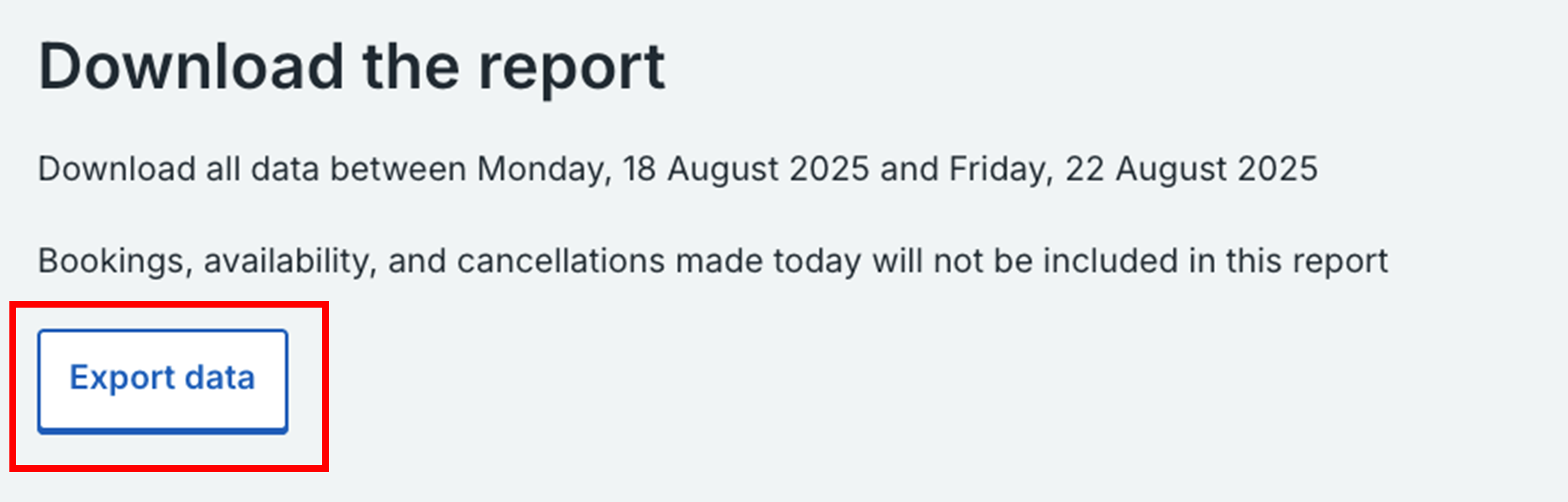
3. Click on 'Export data' to download the report (it will be downloaded as a csv file).
Last edited: 18 September 2025 4:39 pm