Print a list of daily appointments
Print a list of all appointments on a day.
1. Select the appropriate site.
2. Click on 'View availability' in the top menu or 'View availability' at the bottom of the landing page.
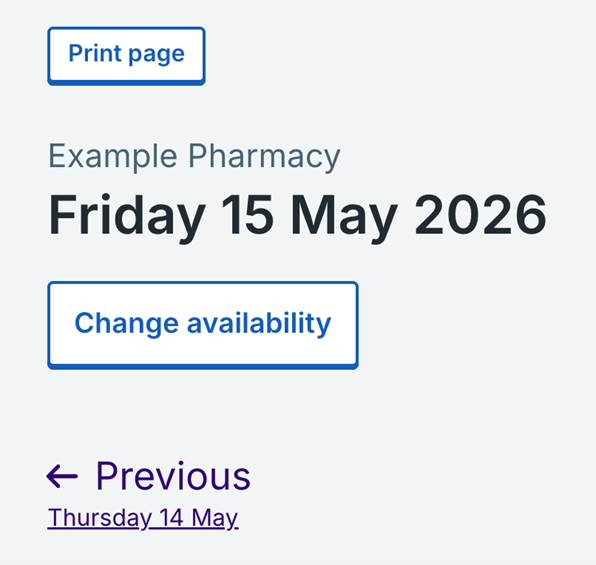
3. You’ll always find the 'Print Page' button in the 'Day view'. The 'Day View' is where you can see a list of people who have booked in for a particular day.
4. You can also use the 'Week view' to find the day’s appointments that you want to print. Select 'Week view', find the day you are looking for and select 'View daily appointments'.
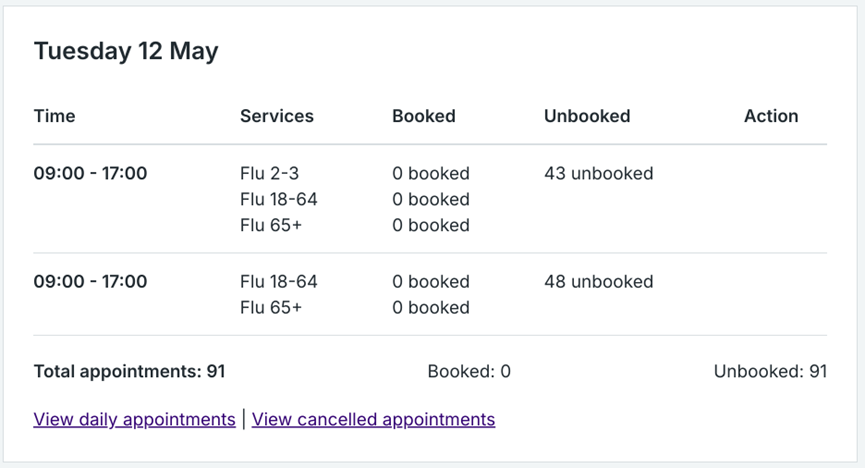
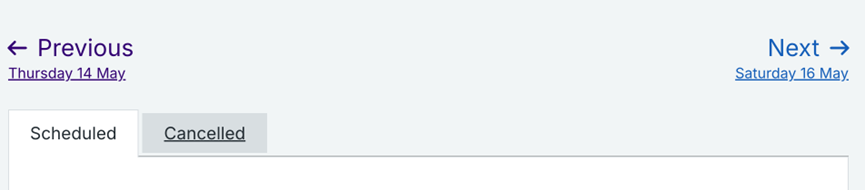
5. Make sure the scheduled appointments are appearing by clicking on the relevant tab.
6. Click on 'Print page'.
7. You should then see a popup from your printer. Check your settings are accurate and then click 'Print'.
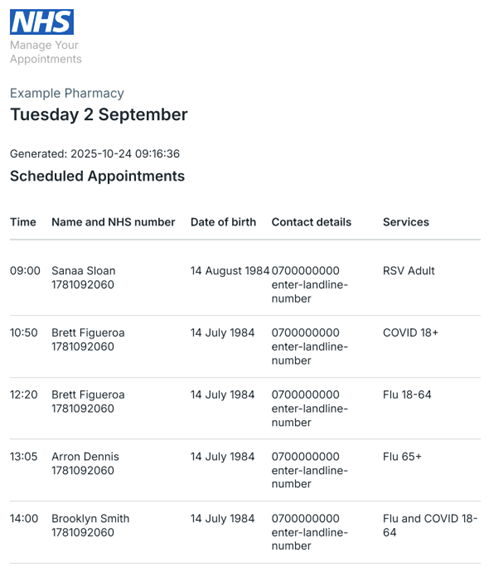
8. Email addresses will not appear in the printed list.
Last edited: 14 May 2026 11:10 am