Make a site offline or online
Hide your site from the National Booking Service so that the public cannot book appointments and how to put your site back online.
How to make a site offline
Hide your site from the National Booking Service so that the public cannot book appointments.
1. Go to the site that you want to make offline.
2. Click on 'Change site details and accessibility information' or 'Change site details' in the top menu.
3. Click on 'Change site status' in the top right corner.

4. Click on 'Take site offline' and then 'Save and continue'.
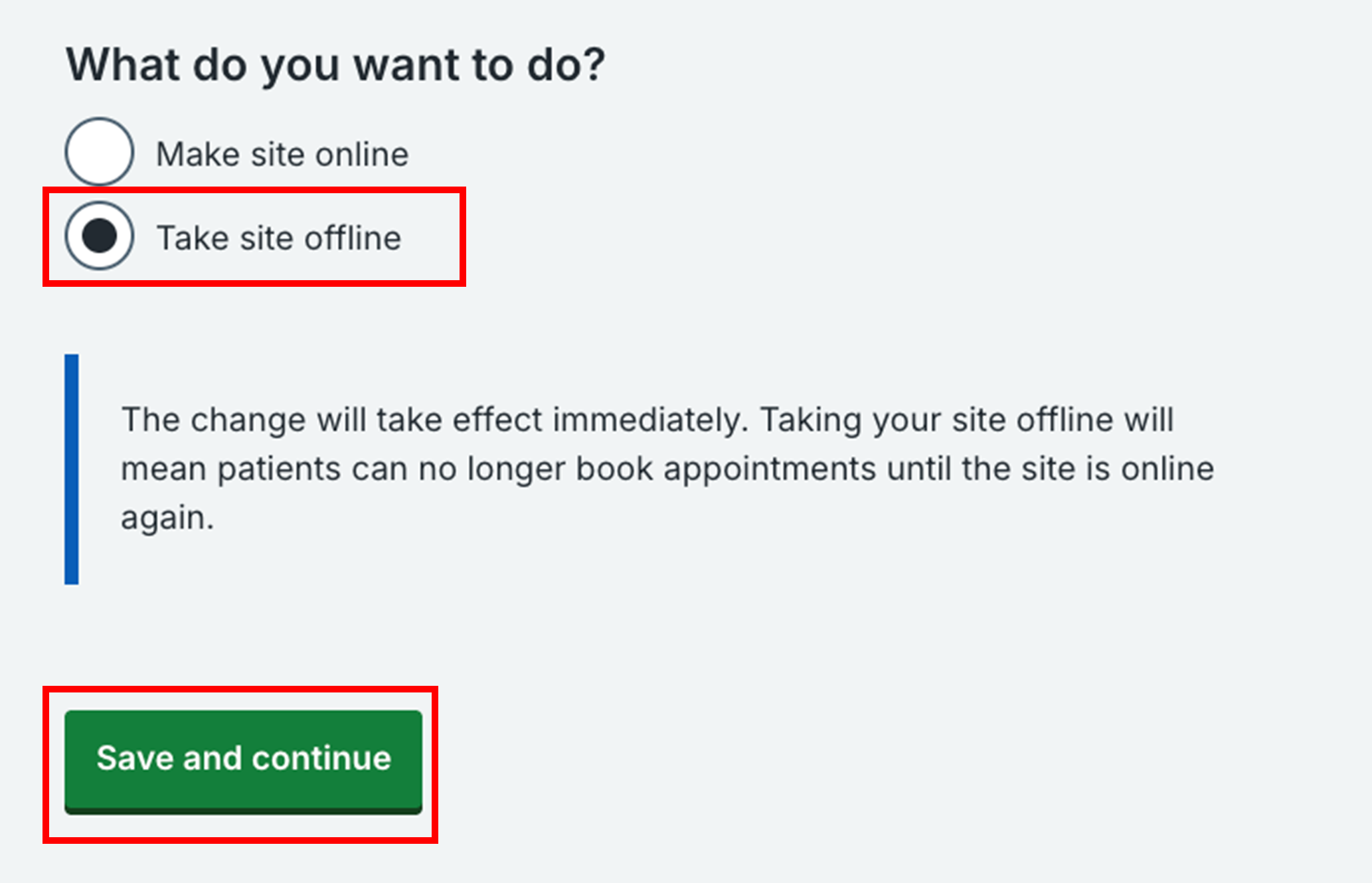
5. The site’s status will now be 'Offline' and the public will not be able to book appointments at this site.
Booked appointments
Taking a site offline will not affect booked appointments. It will only prevent future bookings from being made.
How to make a site online
Put your site back online so that the public can book appointments through the National Booking Service.
1. Go to the site that you want to put back online.
2. Click on 'Change site details and accessibility information' or 'Change site details' in the top menu.
3. Click on 'Change site status' in the top right corner.

4. Click on 'Make site online' and then 'Save and continue'.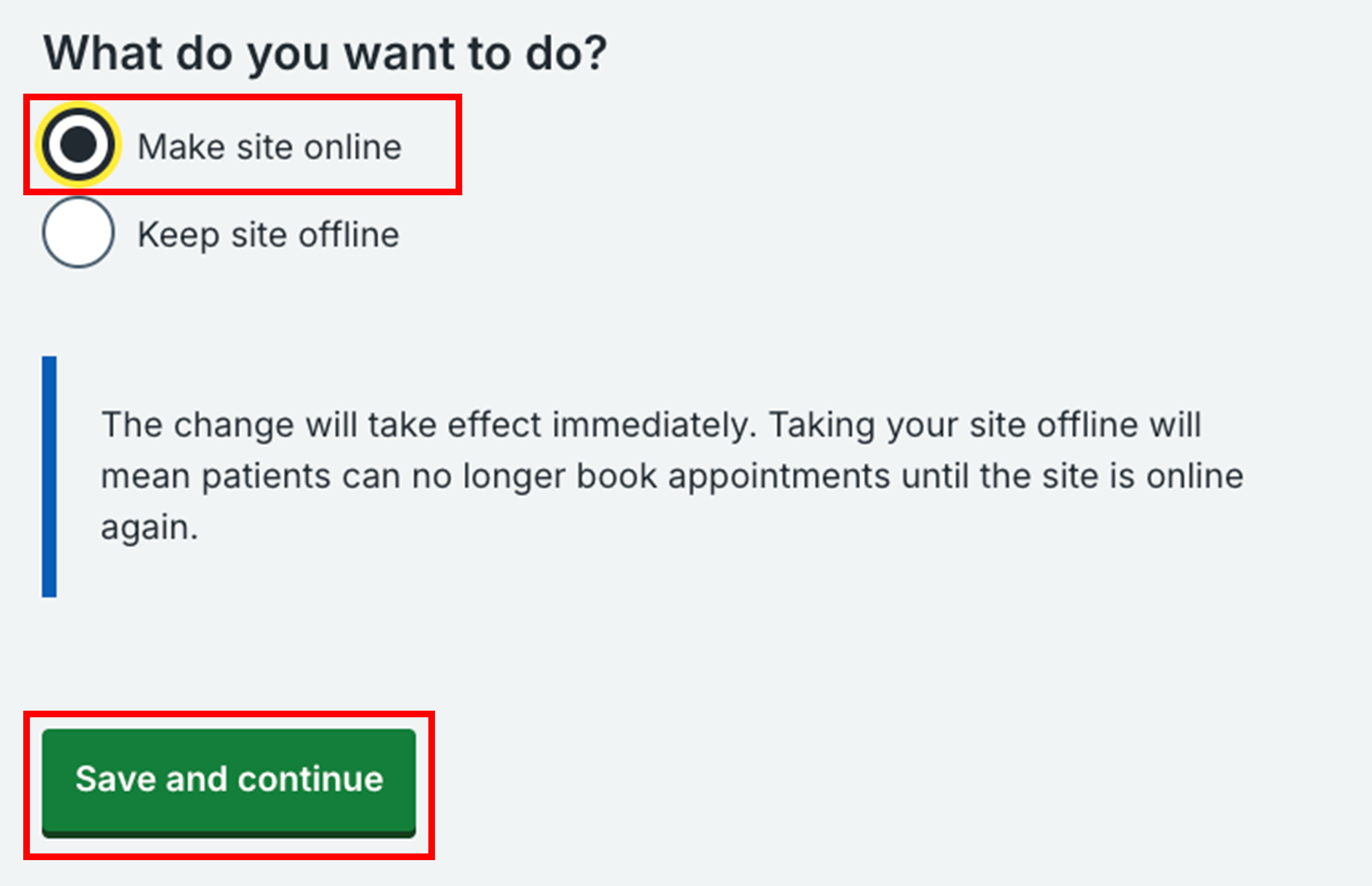
5. The site’s status will now be 'Online' and the public will be able to book appointments at this site.
Last edited: 7 October 2025 1:07 pm