Hosting an NHS App drop-in session
Cameron Peach, care co-ordinator at Hinckley and Bosworth Medical Alliance, shares his insight on running successful drop-in sessions to help patients use the NHS App.
What is important to consider when hosting an NHS App drop-in session
The practical side is essential. Before you know the sort of session you can offer, you need to consider what space is available to ensure sessions are safe, confidential and appropriately structured.
We host sessions across different practices, so space is really important as they all vary significantly in size and facilities. For example, some practices have big meeting rooms that we've been able to have multiple help stations in. Whereas we have a stall in the waiting room for very small practices.
After knowing what space you’re working with, the second point on my list is always stable wi-fi. Without this, you hit a brick wall with patients who don’t have signal, or any data, and may have to host a session elsewhere, such as at a library, instead.
How we promote the session
We've created laminated posters for waiting rooms to let patients know we’re running an ‘NHS App drop-in session’. The posters include a blank space so they can be reused, as the date and time can updated with a white board marker. We also advertise on Facebook across our practices when we host a drop-in.
The most successful promotion has been sending direct text messages to patients. We’ve started by targeting those over 65 with a mobile, as this age group, from our experience, is the least digitally confident.
We share the session date but add to look out for the next one if they can’t make it. In our promotional materials, we also ask patients to try to bring photo ID, a smartphone or tablet and to check they can access their e-mail.
What key NHS App features do you talk about with patients
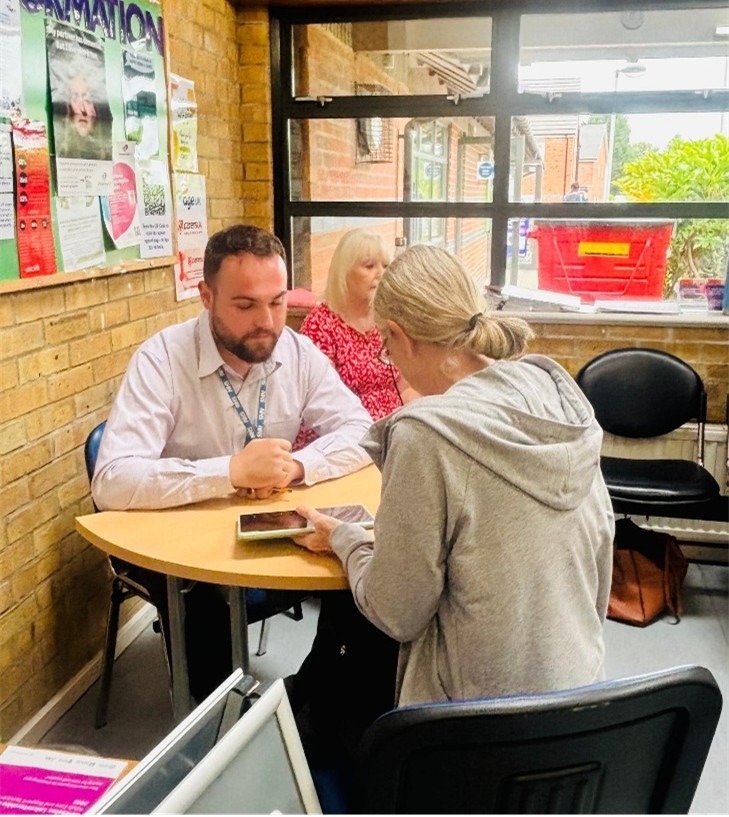
The predominant reason patients attend sessions is to register for the App. This is the biggest barrier as there are quite a few steps. We let patients know this is the hardest part and that once they’re in it's really easy to navigate.
Once they're logged in, we really emphasise features like repeat prescriptions as it can be burdensome to drop off a slip at reception. We focus on how convenient it is to order while you’re on the sofa at home and it goes straight to a clinician’s inbox to sign. Viewing test results is another handy feature as you don’t need to ring in.
Some patients see the doctor, walk out, and can't remember crucial things that were said. Whereas, with the App we let them know they can see their GP notes and the steps outlined for them to take. This keeps them in the loop with their care as well.
Do patients have any misconceptions about the NHS App
The main misconception is that the NHS App is too difficult to use. Working more with the older population, we find they view registering for the App as overwhelming.
Taking a photo of your ID and scanning your face can feel daunting and seem too difficult, leading people to give up. We are really there to inspire confidence to make the most of the App’s benefits – people have the tools and want to learn.
PPG members, such as technical champions, help break down stigma around apps as they’re patients too. Getting them involved helps foster the mindset of, well, if they can do it, I can too.
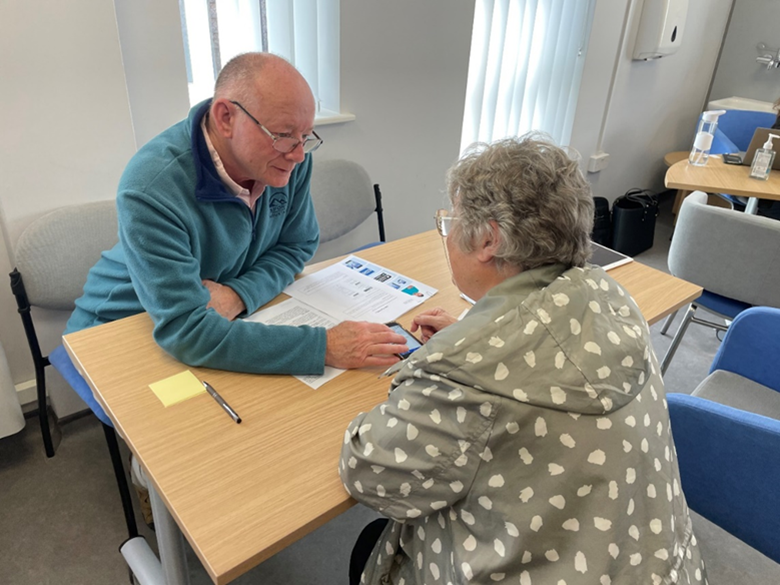
Patients fed back that they found the sessions helpful, easy to understand and enjoyable, and the helpers were clear, friendly, and went at their pace.
Engaging PPG members to take on the role
Initially, we attended Patient Participation Group (PPG) meetings to see if anyone wanted to support the sessions. To involve everyone, we made it clear that even if you weren’t digitally confident you could help, such as by signing-in and directing patients, and asking them to fill in our feedback survey.
The response was overwhelming; we had that many volunteers we had to use a rota. It’s been great to involve our PPGs, they’re really proactive.
Before the drop-in, we had a session with volunteers and shared guidance for the registration process, common barriers that crop up and potential troubleshooting. We reassured volunteers they can ask for help to support patients as we want them to enjoy the experience too and not be concerned about knowing everything.
Following the success of this, we were invited to present to PPGs across the area to inspire others to get involved. One of our volunteers shared how they found the sessions and how it benefited the practice - this went down really well and further highlights the benefits PPGs can provide.
What would you say to staff members who are unsure about the NHS App
For staff, we focus on how the NHS can save them time and relieve them of extra work. Making the phone ring even a little bit less is a big selling point.
If you consider the number of patients that call for results or prescription queries, the time spent on these tasks really adds up. Patients can see appointment times and their medical history too, further reducing the need to call.
Even though it can be effort to initially set patients up with the App, it creates a lot less admin pressure in the long run and leaves more time to focus on patients.
Do you have any other tips for anyone hosting an NHS App session
I would say to anyone nervous to start helping people use the NHS App to normalise saying “I'll find out” - sometimes, you might not know the answer, and it can be difficult to manage expectations, especially with differences across the system.
If you can’t sort something there and then, it’s fine to say you'll find out and get back to a patient. Whenever we have issues we can’t fix on the day, we explain next steps and realistic time scales, so patients don't leave disappointed.
Don't put too much pressure on yourself you want to enjoy the session too.
Last edited: 5 March 2026 4:26 pm