Authenticate using an iPad
How to authenticate using the NHS CIS2 iPad app
Authenticate using an iPad
1. Open Safari and go to the national clinical information system that you wish to access.
Some systems will automatically send you to the NHS CIS2 authentication page. Others may require you to select a login button.
(See the full list of organisations using NHS CIS2).
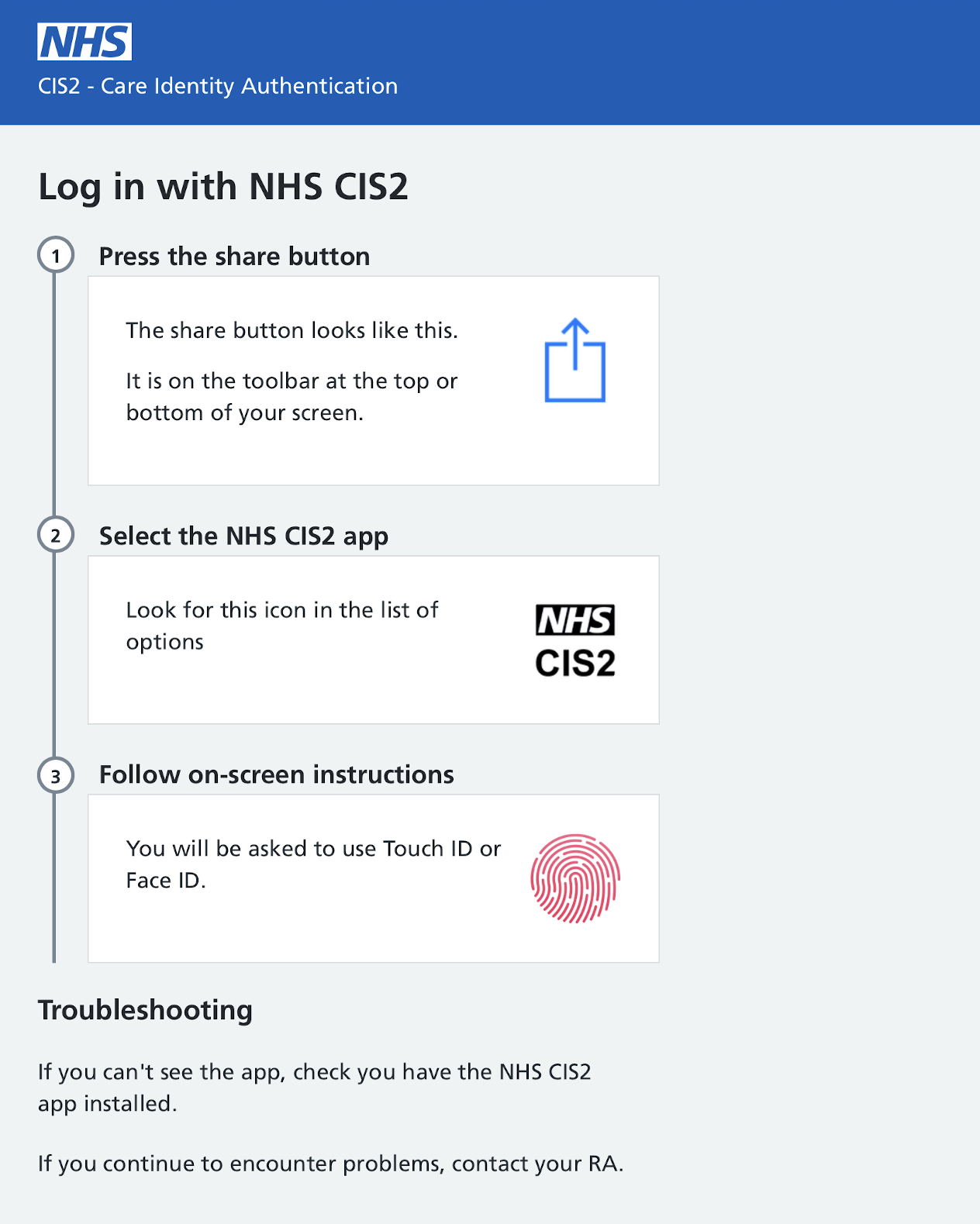
2. Press the share button
This opens the Share menu.

3. Select the NHS CIS2 app from the list.
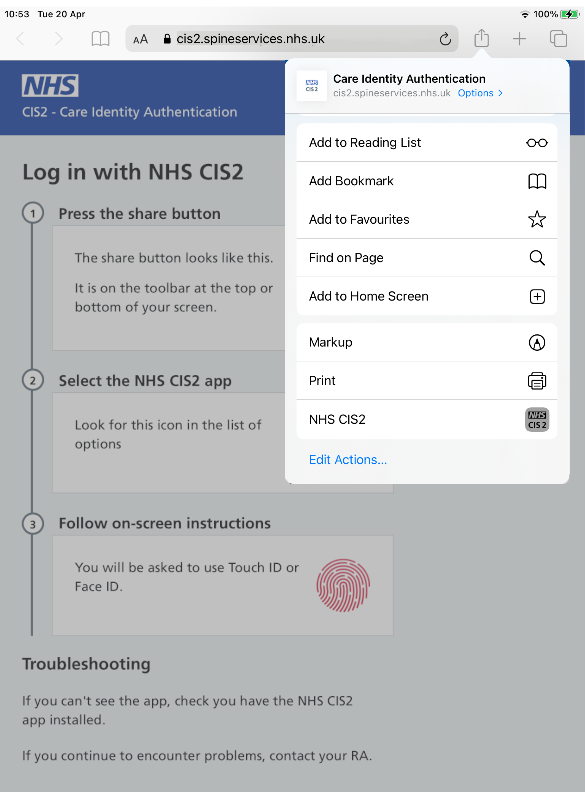
For users on iOS26 and above, the CIS2 Authentication app will appear under 'More Options'.
To access the app more quickly, add the app to the list of your favourite actions. This can be done by going to 'Edit Actions' at the bottom of the pop-up menu, and using the green plus sign to add the app as a favourite action.
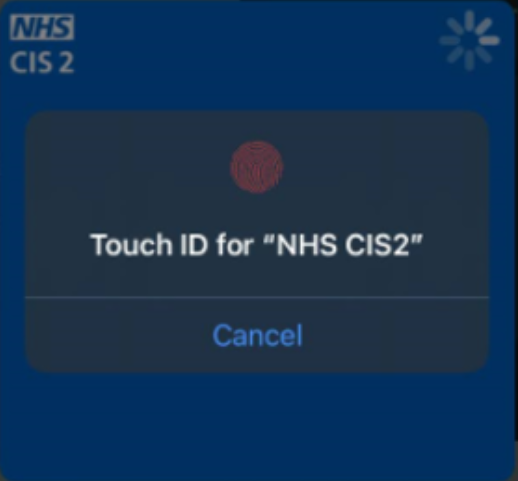
4. Use your fingerprint / face to complete the authentication.
Last edited: 5 November 2025 1:24 pm