Find and view positions within an organisation
How to find and view positions used within an organisation and its child organisations, including closed positions.
Which roles can do this?
- Registration Authority Manager
- Registration Authority Agent (Advanced)
- Registration Authority Agent
Find a position
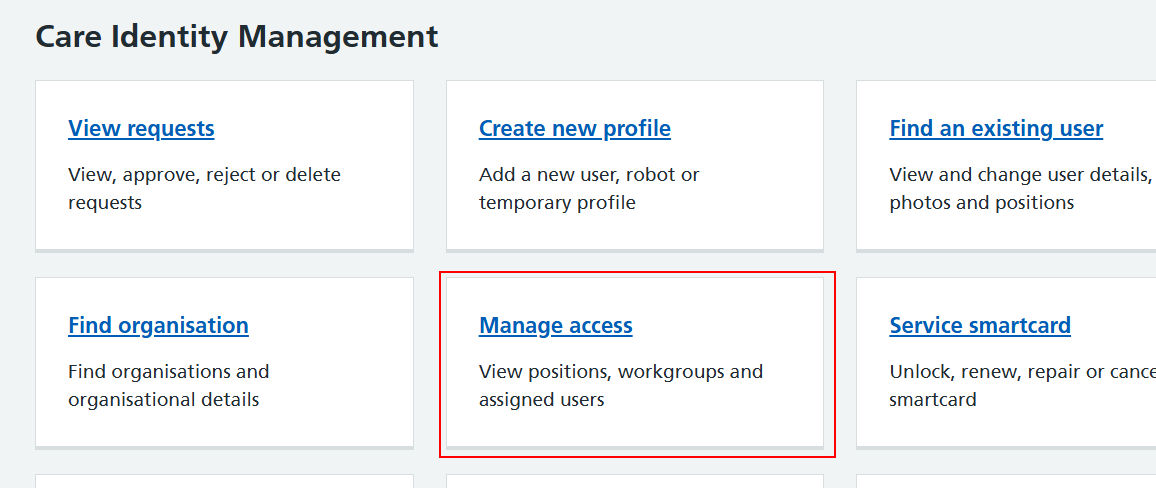
From the Care Identity Management home page, choose 'Manage access'.
You'll now see the access management screen.
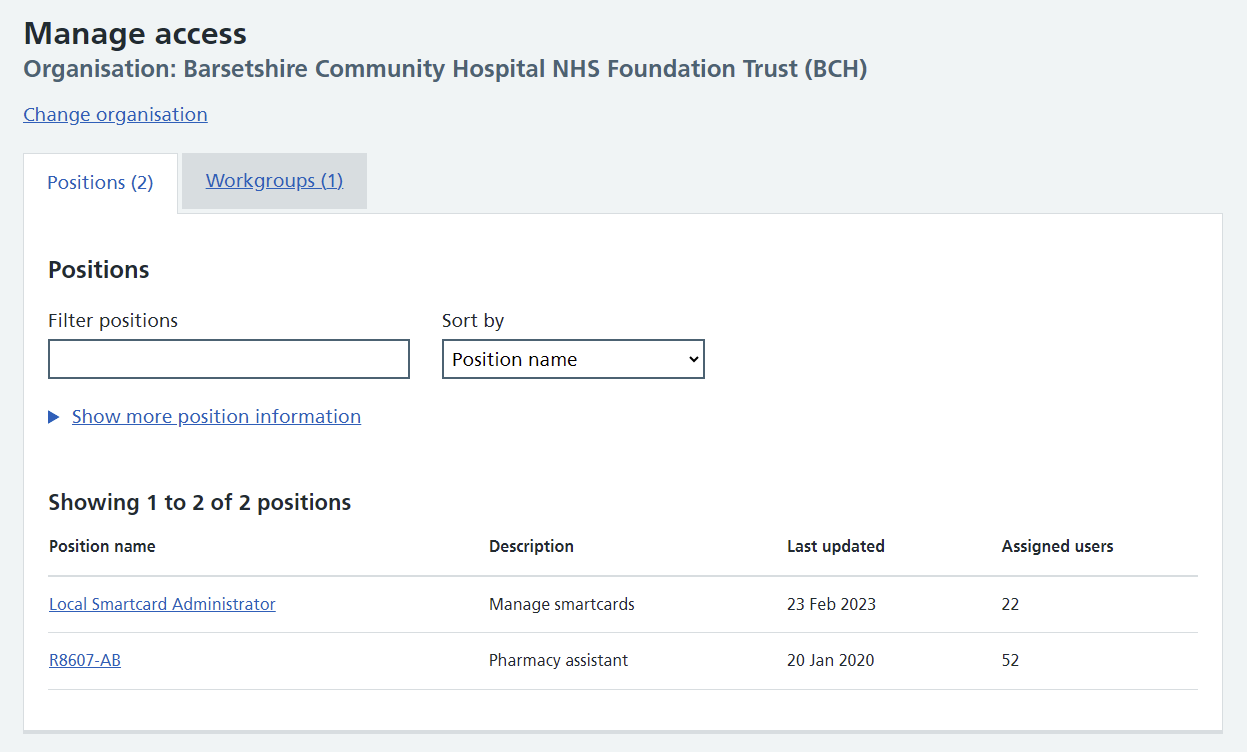
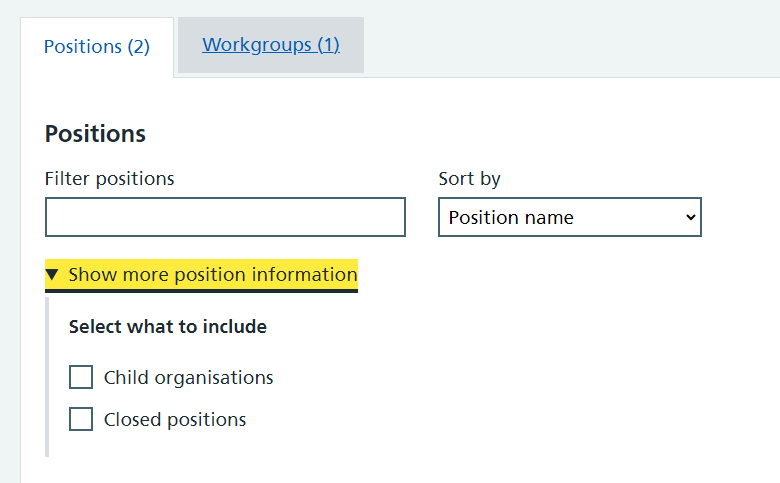
There are filter and sort options at the top to help you find the position(s) you're looking for. You can also select 'Show more position information' to allow you to include child organisations and closed positions in the results.
View position details
When you can see in the search results the position you want to view, select the name of that position.
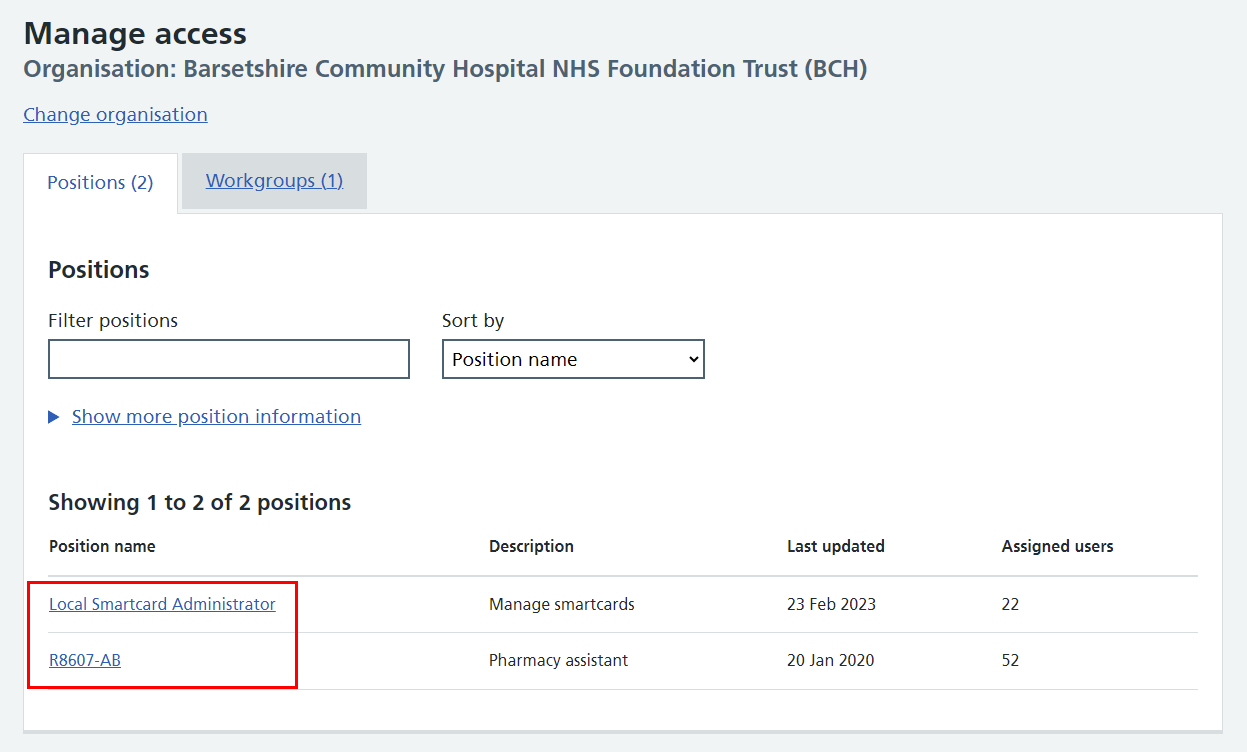
You'll now see the details of that position.
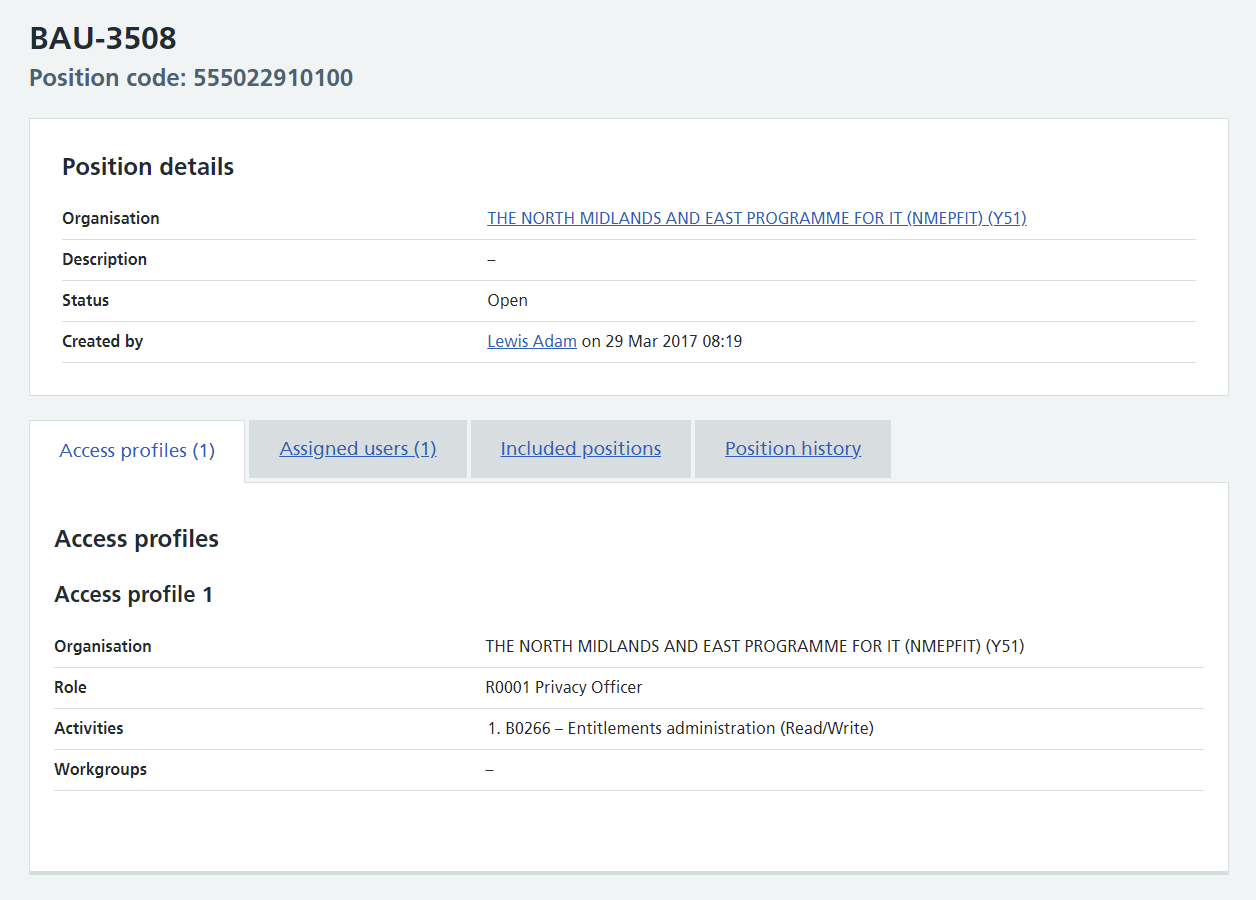
The tabs in the lower part of the screen allow you to view the position's:
- access profiles
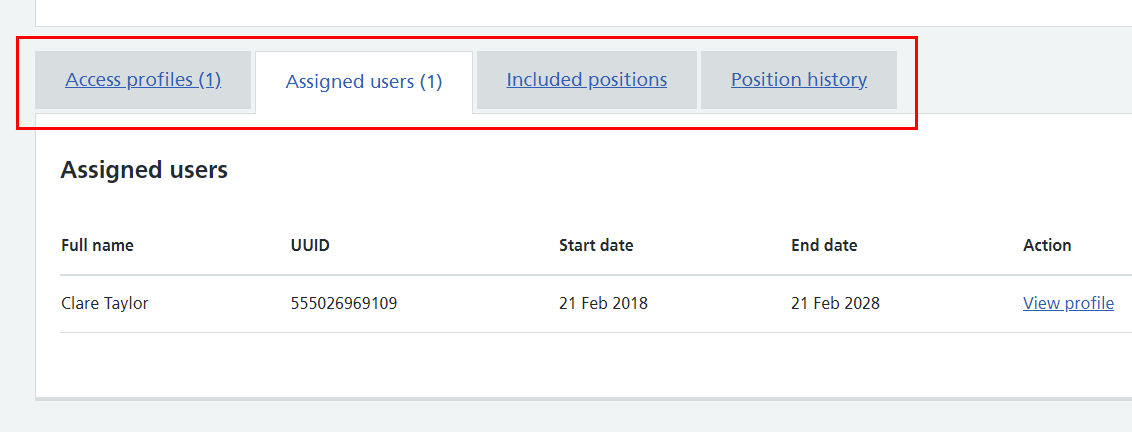
- assigned users
- included positions
- position history
The assigned users tab is shown in the image below.
Last edited: 24 April 2025 12:07 pm